

Financial planning at your fingertips
My Alerus points you toward smarter decisions that’ll turn financial stresses, like overcoming debt and saving for retirement, into confidence.
My Alerus points you toward smarter decisions that’ll turn financial stresses, like overcoming debt and saving for retirement, into confidence.
My Alerus is your personalized hub where you can track and improve all your financials. Simply link your financial accounts and start your path to financial confidence.
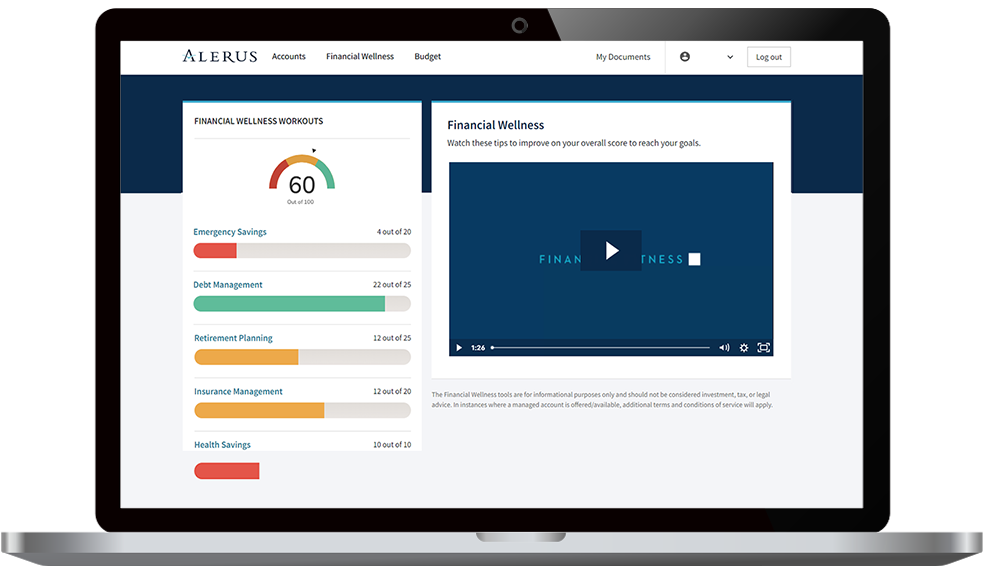
My Alerus uses your most current financial data to help you reach important milestones and improve your financial health. With personalized support from your Alerus advisor, you’ll have the financial guidance to reach higher.
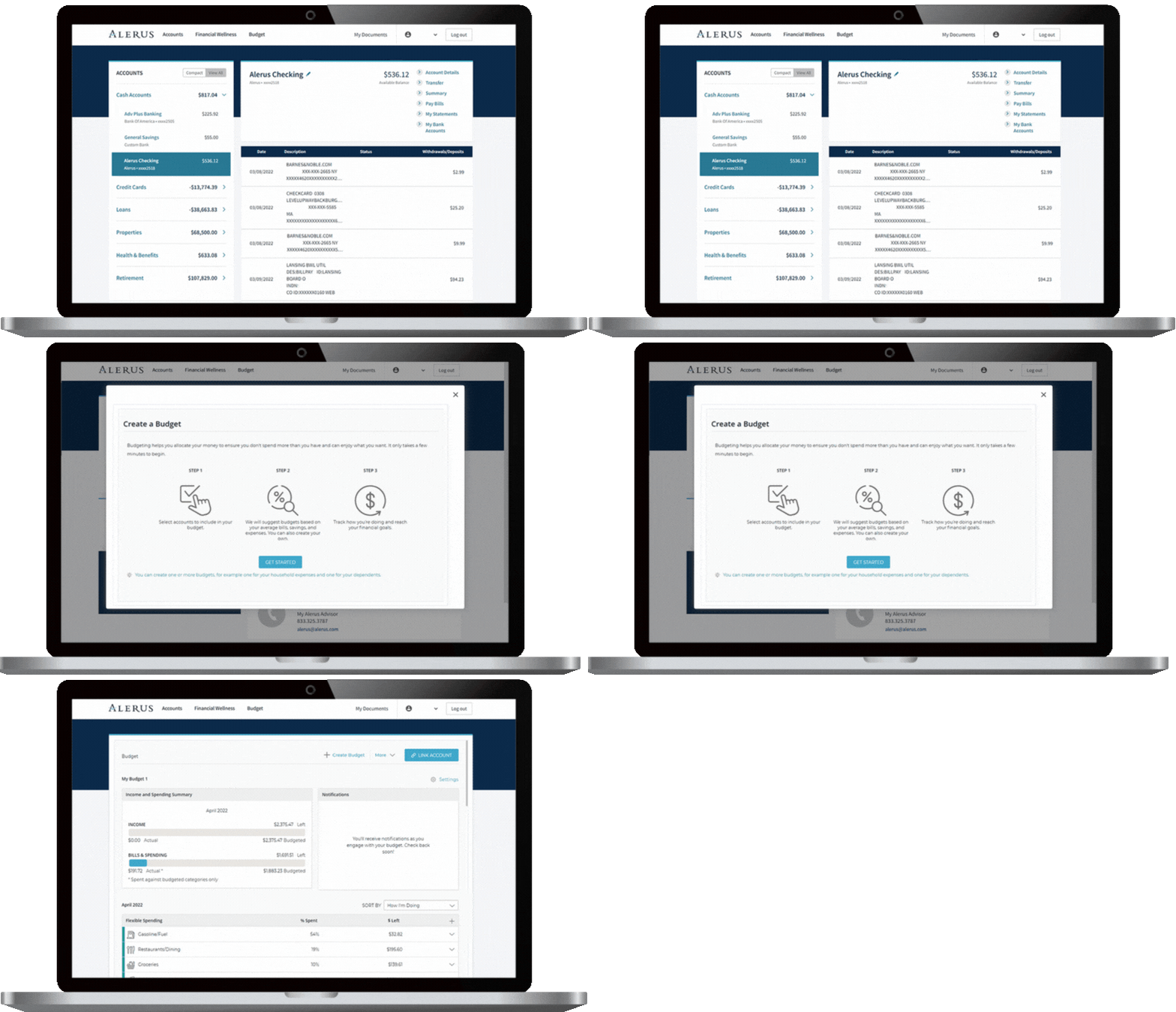
Register online by following the steps.
• Enter your First Name and Last Name.
• Select a verification method from the dropdown list.
• Enter your Social Security number, date of birth, phone number (this phone number will be used to verify your identity at login), username, personal email address, and password.
• Click the “Create Account” button.
• Next, you will receive an electronic consent form and terms and conditions. Review and click Accept.
On the next screen, select a phone number and your preferred authentication method (text, call, or authenticator app). Review and click Submit.
• Enter the six-digit code sent via text or call and click Submit.
Note: The first time you log in, you’ll need to set up 2-factor authentication by choosing how you want to receive verification codes; text, or voice call. We’ll ask for a verification code if you log in from an unrecognized computer or phone, forget your password, or identify anything out of the ordinary. These codes help us confirm it’s really you accessing your account – not someone pretending to be you.
Don’t worry; it happens! We can help you recover your username or reset your password online.
If you forgot your username:
• Go to the Forgot Username page.
• Enter the email address you use for business with us and select Send Username.
• We’ll send you an email with your username.
If you forgot your password:
• Go to Forgot Password page.
• Enter your Username.
• If the username exists, we will send you a verification code to the email address you provided at registration.
• After you’ve correctly entered your code, you’ll be able to reset your password.
• You can then use this new password to log in to your account online.
You can also call us at 800.279.3200 for assistance.
We’re sometimes unable to deliver a message to the email address we have on file for your account. We recommend double-checking the following:
• The spelling of your email address (make sure you’ve typed it correctly).
• Your inbox capacity (if your email inbox is full, you won’t receive any new emails).
• The email address you provided is still in service.
• Your junk or spam folder (to make sure Alerus emails are delivered to your inbox in the future, please add our email address to your address book or “safe sender” list).
Open an account, such as a savings or checking account, with Alerus for immediate access.
Already have an account? Log in.